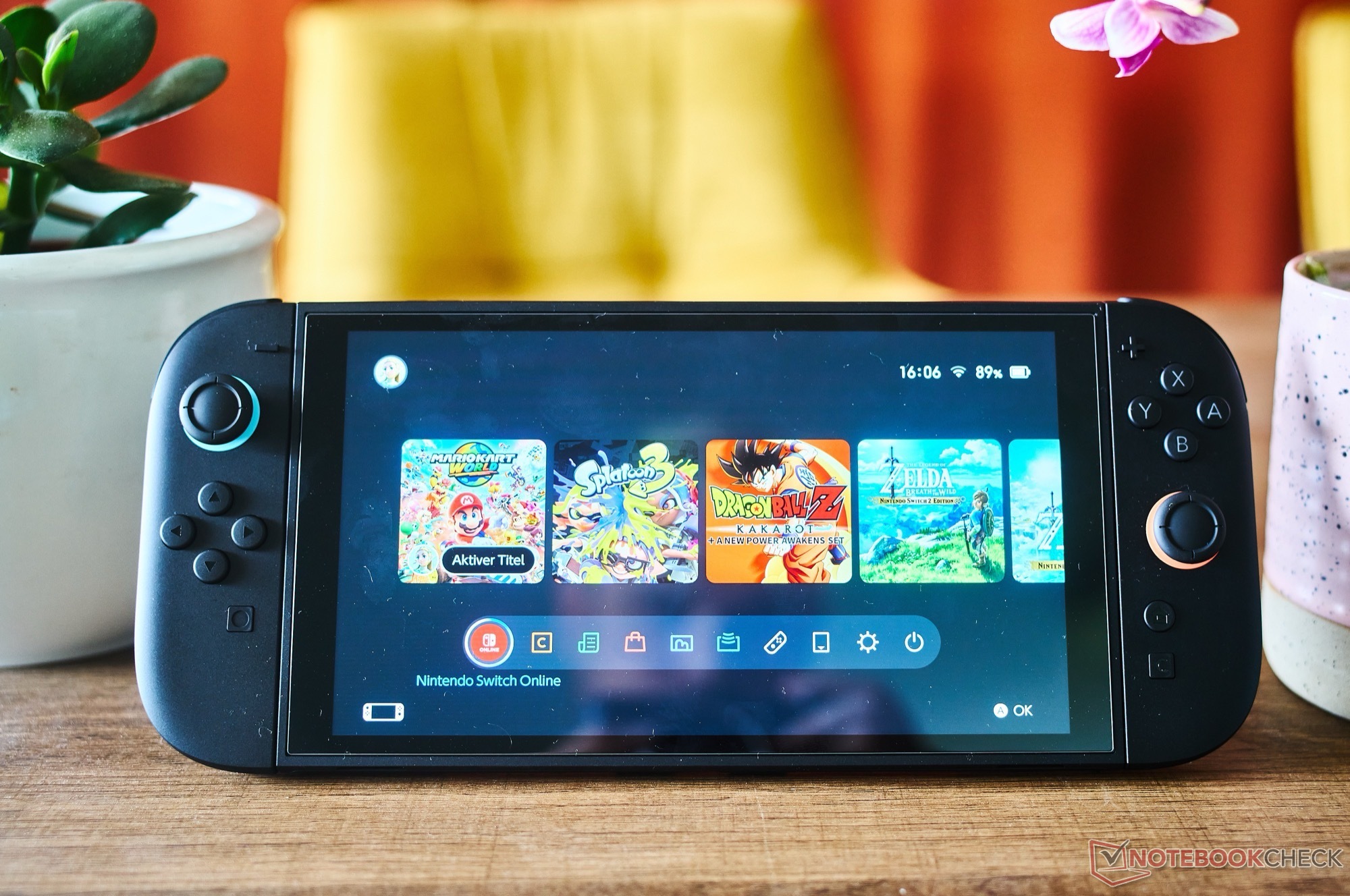
Patch notes translated from Japanese site:
Nintendo Switch 2 System Update Version 23.0.0 — Full Patch Notes
Released: September 10, 2026
GameChat
• Chats you've previously joined now appear in the list of joinable chats
• You can now start a new chat and join without selecting any friends
• A "screen size" button has been added to the menu shown when pressing the C button during a chat
Virtual Game Cards
• Added "Settings" to the Virtual Game Cards list screen
• You can check the registration status of consoles using your virtual game cards
TV Mode
• VRR output is now supported in TV mode
• When both the software and TV support it, video is output at a refresh rate matching the game's processing
• Note: Enabling this requires a Nintendo Switch 2 dock update
Full Transfer (Switch 2 → Switch 2)
• You can now transfer save data, screenshots, and other data wholesale from your current Switch 2 to a new Switch 2 console
System Settings
• Accessibility → Voice Reading
• Added Portuguese (Brazil) voice reading
• Accessibility → GameChat voice⇔text conversion
• Added Portuguese (Brazil) to the text⇒speech languages
• Audio → TV Sound
• Settings are now saved individually for each connected TV
• Display → Dock Output Info
• Renamed to "Video Output Info"
• You can now view in detail which video signals your connected TV supports
• Display
• Added a "VRR Settings" option
• Mii
• Added a feature to share your Mii as a QR code with other users
• Sleep → Wake-from-sleep sound when playing on TV
• You can now preview the sound immediately when adjusting its volume
• System → Switch Software Behavior Mode
• Added "Handheld Mode Boost quick-toggle in Quick Settings"
• When ON, you can toggle Handheld Mode Boost from quick settings (hold HOME button)
• System
• Added a "Full Transfer to Nintendo Switch 2" option
Online License Fallback
• If a virtual game card can't be moved from another console when launching software, you can now temporarily play via an online license
• If the other console is offline and the card can't be moved, a "Play with Online License" button appears
• Only the purchaser of the software can play via online license
Mii Editor
• BGM now plays on the Mii editing screen
• Use the "BGM Settings" button (top-left) to switch or stop it
Handheld Mode Boost
• You can now use other controllers even while Joy-Con 2 are attached to the console
Play Activity
• Play time is now combined when the same software is played on multiple consoles
• Totals appear sequentially, starting with software played after the update
• Fixed various issues and improved system stability
Caution: Only update the console in its normal state. Modifying the console or using unsupported accessories/software may render it inoperable after updating. Such consoles are not covered by warranty or repairs.